PeachDog – AI Desktop Companion
A downloadable desktop companion for Windows
PeachDog
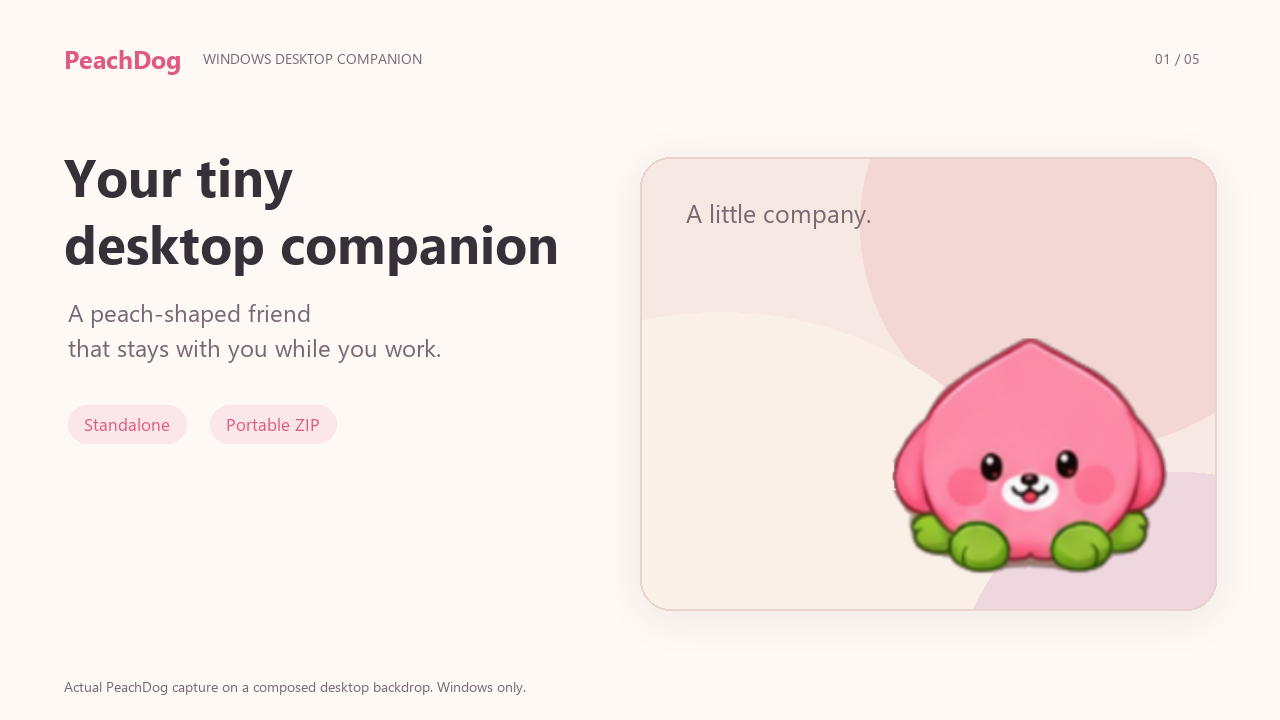
A tiny Windows desktop companion that stays with you while you work. PeachDog responds to nearby mouse movement and offers one-time reminders and a compact set of focus controls. Its optional AI features display activity and usage from compatible software you already use.
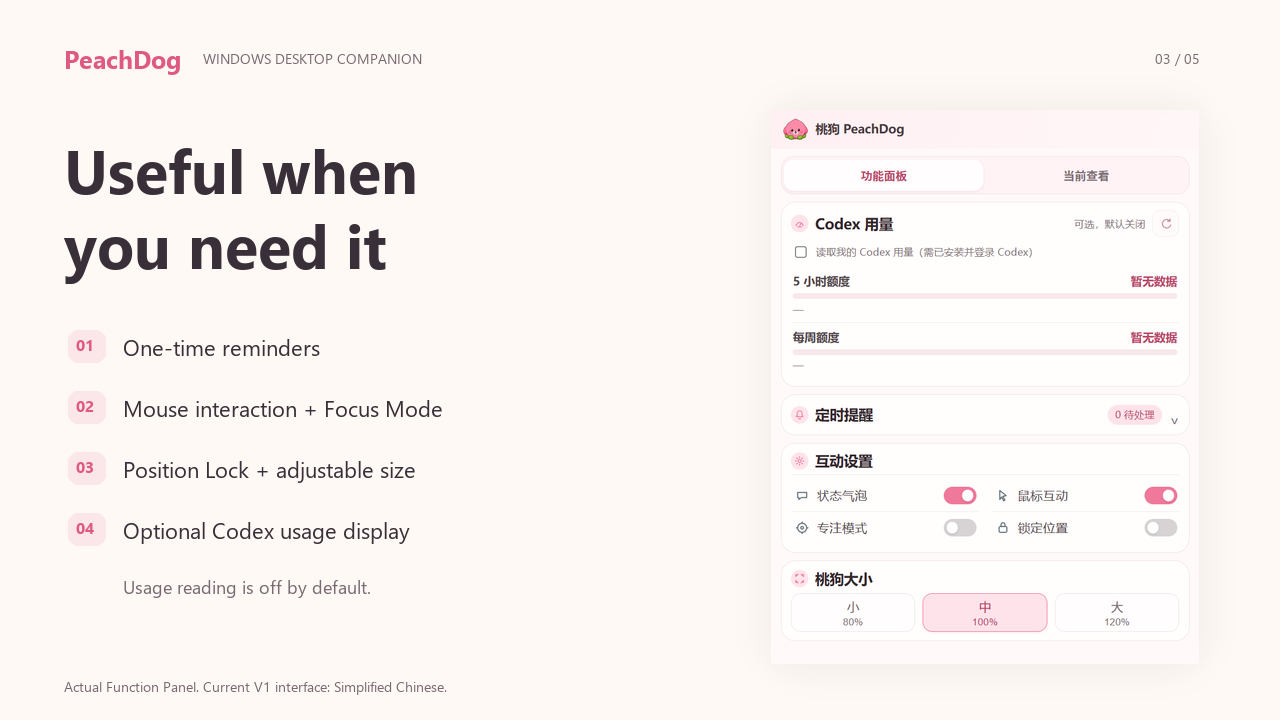
Current V1 interface is primarily Simplified Chinese. The app and included setup scripts are not a complete English translation.
What PeachDog does
Lives on your Windows desktop as a small animated companion.
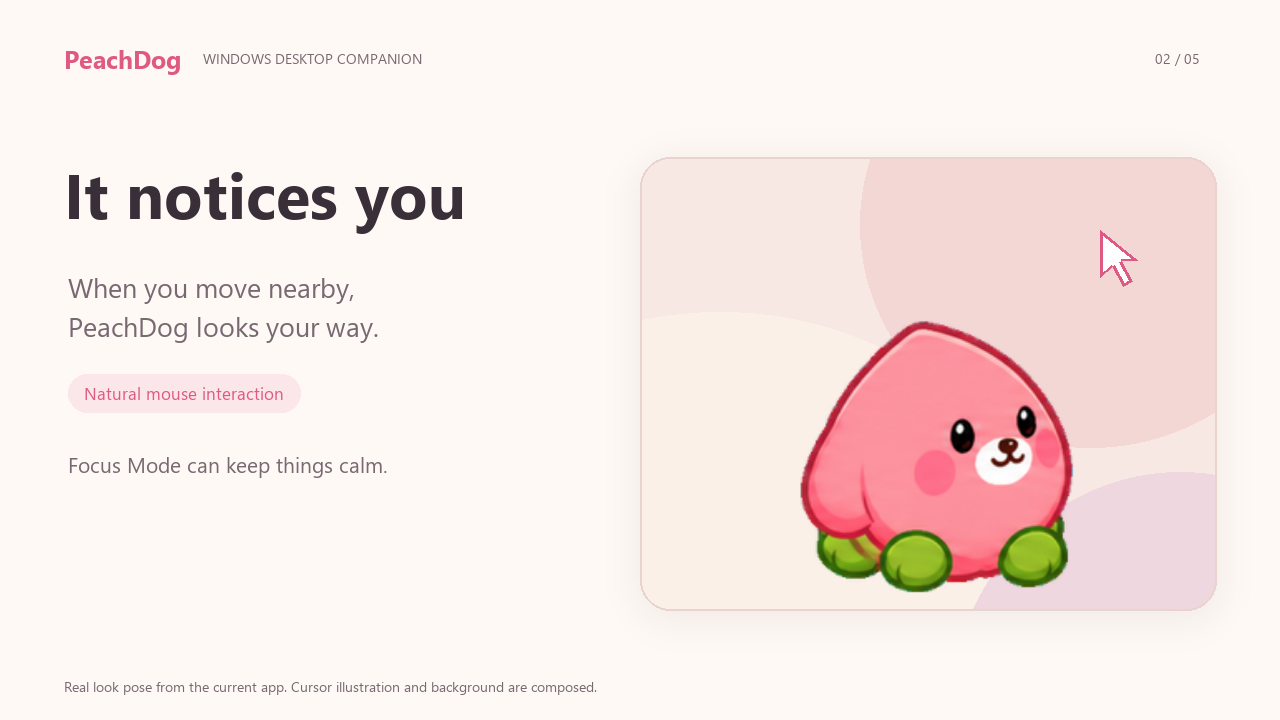
Reacts naturally to nearby mouse movement.
Provides one-time reminders with a local reminder list.
Offers Focus Mode and Position Lock.
Lets you choose 80%, 100%, or 120% size.
Keeps settings in a compact two-page control panel.
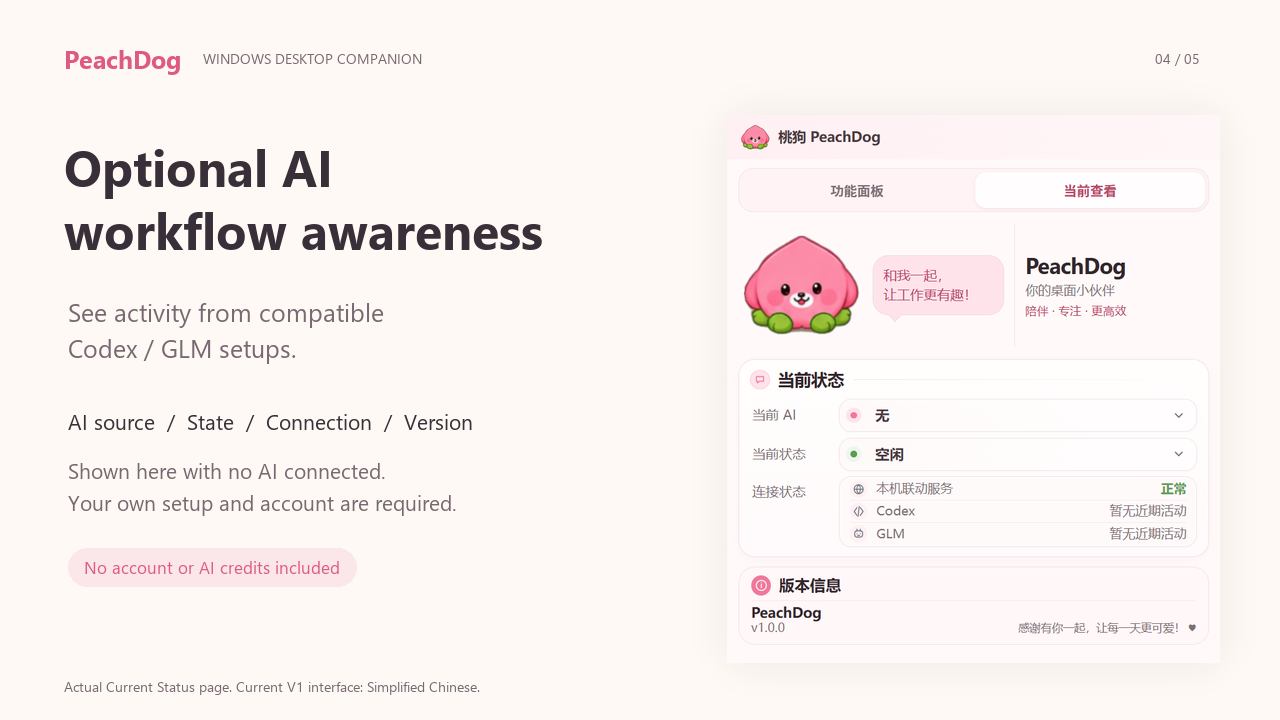
Can show activity from compatible Codex and GLM/ZCode setups.
Can display your own Codex usage when you explicitly enable it; reading is off by default.
Works without AI
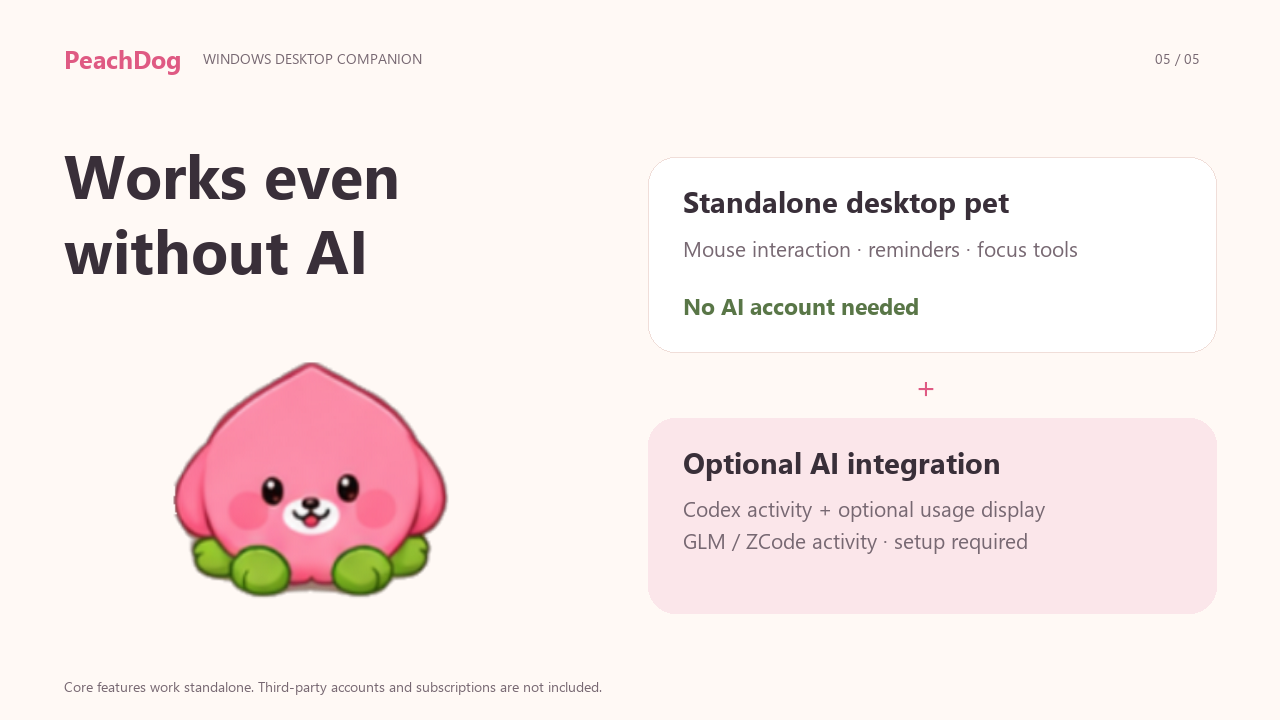
PeachDog does not require Codex, GLM, or any AI account for its basic desktop-pet features. Mouse interaction, reminders, focus controls, size settings, and the panel work standalone.
Optional AI integration
Codex: optional activity hooks and optional usage display. Use your own installed Codex and your own login. The included connection tools back up and add PeachDog hook entries, preserve existing hooks, and provide disconnect/restore options. Codex still requires you to review and trust the new hooks.
GLM/ZCode: optional, setup-dependent activity integration. A local bridge and example-generation tool are included; automatic configuration is not provided.
Third-party updates, hook changes, or service policies can affect compatibility. No Codex, OpenAI, GLM, or ZCode account, subscription, API key, or AI credits are included. PeachDog is independent third-party software, with no official affiliation or endorsement implied.
Privacy
A local Windows desktop application.
No telemetry added by PeachDog.
Reminders stay local.
No prompt or conversation upload by PeachDog.
Runtime secrets remain local; they are newly generated for each run.
Crash-report upload is disabled.
Optional activity bridges communicate with PeachDog on your own computer. When you enable Codex usage reading, your installed Codex may contact its provider using its own configuration and account. These statements describe PeachDog's behavior and do not replace third-party privacy terms.
Installation
Download the Windows ZIP.
Extract the entire archive into a normal folder, including all runtime files.
Run PeachDog.exe. No installer, administrator access, extra runtime installation, or PATH changes are needed for the core app.
Right-click the PeachDog icon in the Windows system tray to open the panel or exit. The icon may be under the tray's small arrow. Running the EXE again also opens the panel.
To add a reminder, expand the reminder section, choose a date and time, and enter its text. PeachDog must be running to show it; a missed reminder can be shown after restarting.
Optional Codex setup / included files
Start with PeachDog in its final folder. Install and sign in to your own Codex separately if you want this integration.
| Included root file | Purpose |
|---|---|
| 连接Codex.cmd | Connect: detect your Codex home, back up hooks, and add PeachDog entries. |
| 断开Codex.cmd | Disconnect: remove entries recorded by the PeachDog tool. |
| 恢复Codex备份.cmd | Restore the most recent pre-connection backup when there have been no later hook edits. |
After connecting, open /hooks in Codex and review/trust PeachDog. The tool does not bypass trust or change your authentication. Moving the folder requires reconnecting. Chinese characters and spaces are supported; optional command hooks reject paths containing %, !, or quotation marks. If restoring would overwrite later edits, use disconnect to preserve them.
Codex usage display is a separate opt-in switch in the panel. A Codex account/subscription is not included. The package contains short Chinese instructions for optional setup.
License
Personal-use proprietary license — License V1.0. Use on your own or regularly used personal Windows devices and keep necessary personal backups. Resale, redistribution, public sharing, and repackaging for sale are not allowed. PeachDog's character and artwork cannot be extracted for separate sale or distribution without permission.
The included Chinese personal-use license is the full product license. Electron, Chromium, and other included third-party components retain their own licenses; these do not change PeachDog's proprietary product license.
Compatibility
Windows only — x64 portable release. The current package has been checked in Chinese and space-containing folders on Windows. There is no macOS, Linux, Android, or browser release.
App language: Simplified Chinese. An English store page does not imply an English interface.
Support and updates
This purchase includes the current V1 release. Future compatibility updates may be provided, but permanent support for third-party AI software is not guaranteed. Updates, maintenance, and support follow the purchase-time description and later seller announcements; lifetime updates and free access to every future version are not promised.
For reproducible V1 extraction or setup issues, leave a comment on this page with your Windows version and what happened. Do not post account details, keys, reminders, or private logs. Support does not include third-party account/subscription issues or custom feature development, and no response-time guarantee is offered. Applicable platform rules and non-excludable consumer rights remain in effect.
How it was made
Generative AI assisted with PeachDog's graphics adaptation, code, and included written materials. The page's AI disclosure reflects those categories.
中文补充
桃狗桌宠 V1 是 Windows x64 portable 桌宠,当前界面主要为简体中文。基础桌宠不需要 Codex、GLM 或 AI 账号;联动可选,Codex 用量读取默认关闭。整包解压后运行 PeachDog.exe,托盘菜单可打开面板或退出。采用个人使用专有许可,不附赠 AI 账号、订阅或额度;不允许转售或公开分发。
FAQ
Does PeachDog require Codex?
No. Core desktop-pet features work standalone, without Codex, GLM, or an AI account.
Does the purchase include a Codex/OpenAI account?
No. No third-party accounts, subscriptions, API keys, or AI credits are included.
Does it work on macOS or Linux?
The current release is Windows only. macOS and Linux are not supported releases.
Is installation required?
There is no installer. Extract the whole ZIP and run PeachDog.exe; do not run it inside the archive or copy the EXE alone.
Is the interface in English?
Current V1 interface is primarily Simplified Chinese. The store page is in English; the app does not include a complete English UI.
Does it upload my reminders or conversations?
PeachDog keeps reminders local and does not upload prompts or conversations. Crash-report upload is disabled. If you enable Codex usage reading, your own Codex may contact its provider under its own configuration.
Can I use it commercially or redistribute it?
This is a personal-use license for your own or regularly used Windows devices. Resale, redistribution, and repackaging for sale are not allowed. Other uses require the rights holder's permission; see the included license.
Does GLM/ZCode integration work automatically?
No. It is optional and setup-dependent. The package includes a local bridge and example-generation tool; you must configure a compatible client yourself.
Will reminders appear while PeachDog is closed?
PeachDog must be running to display reminders. A missed reminder can appear after PeachDog resumes.
Purchase
In order to download this desktop companion you must purchase it at or above the minimum price of $3 USD. You will get access to the following files:
Development log
Leave a comment
Log in with itch.io to leave a comment.