DoneThenOff
A downloadable Tool for Windows
DoneThenOff — Task-triggered shutdown for Windows
Stop waiting for long-running tasks just to shut down your PC.
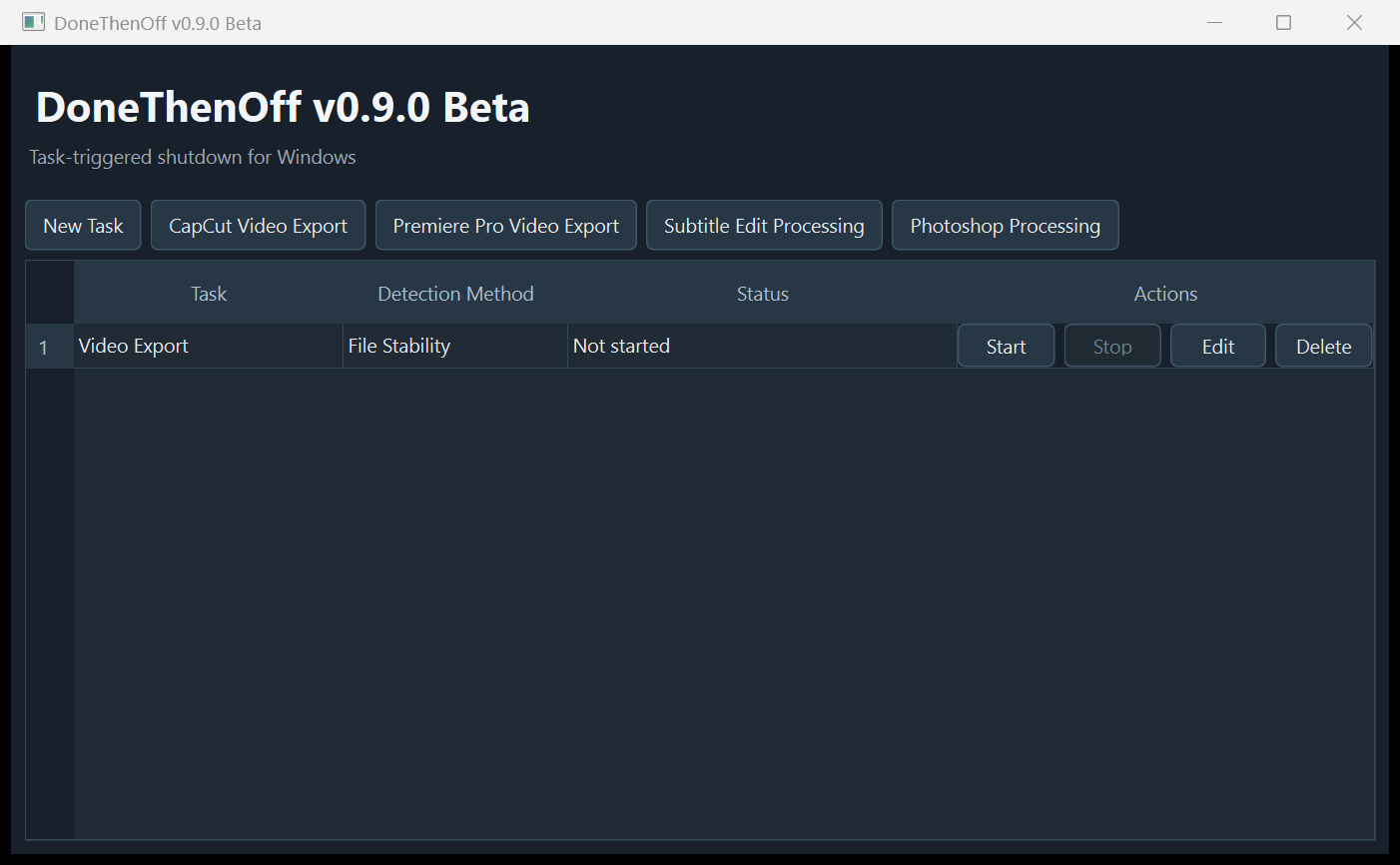
DoneThenOff monitors a task on your Windows computer and can shut down or put the PC to sleep when task completion is detected.
Start the job, start DoneThenOff, and leave the computer running.
Why DoneThenOff?
Most shutdown utilities work by time: shut down in 2 hours, at a specific time, or after a countdown.
DoneThenOff works differently. Instead of guessing how long a task will take, you choose something to monitor.
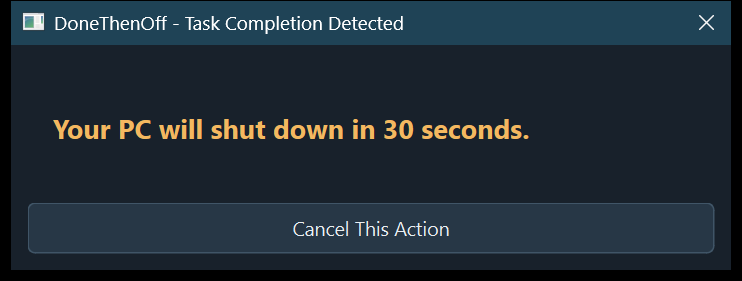
When the configured completion condition is detected, DoneThenOff starts a 30-second safety countdown before shutting down or putting the computer to sleep.
Detection Methods
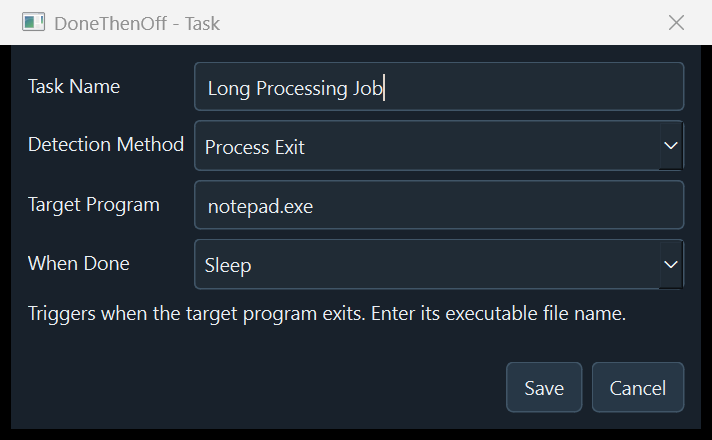
Process Exit — Watches a program or process and triggers the action when it exits.
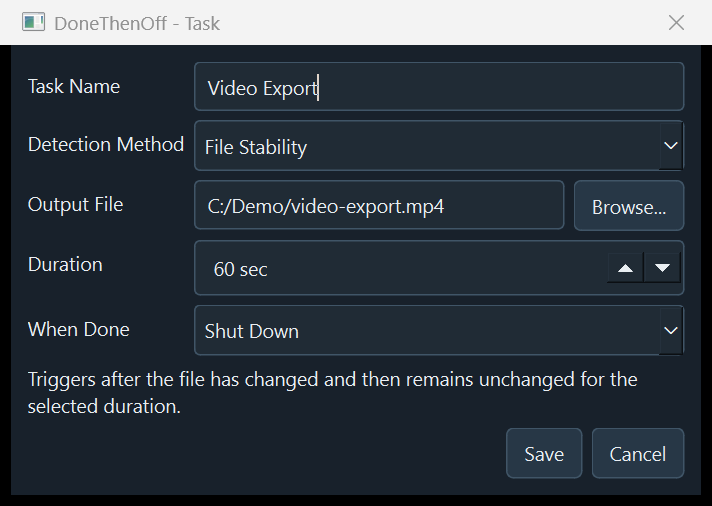
File Stability — Watches an output file and triggers the action after the file has stopped changing for a specified period.
Process CPU — Monitors a process and triggers the action when CPU usage stays below a configured threshold for a specified period.
Power Actions
Shut Down or Sleep.
30-Second Safety Countdown
Before a power action is executed, DoneThenOff displays a 30-second countdown. You can cancel the action during this countdown.
Example Uses
Long video exports, video conversion, subtitle processing, rendering, large local processing jobs, and other Windows tasks with a detectable completion condition.
Application presets are configuration templates only. They are not official integrations with third-party software.
Important Limitations
DoneThenOff detects configured completion conditions. A process exiting, a file remaining stable, or CPU usage falling below a threshold does not guarantee task completion in every application.
DoneThenOff does not currently reliably detect browser uploads, YouTube uploads, or other web-based upload completion.
It also does not automatically save unsaved work in third-party applications.
Beta Notice
Current version: v0.9.0 Beta
This release is intended for early users while real-world compatibility is still being evaluated.
The current Windows build is unsigned. Windows SmartScreen may display a warning when you first run it.
Please review QUICK_START.txt and KNOWN_LIMITATIONS.txt before use.
System Requirements
Windows 64-bit. No installation required.
Download and extract the entire ZIP before running DoneThenOff.exe. Do not move the EXE out of its extracted folder.
DoneThenOff v0.9.0 Beta — One-time purchase, DRM-free.
Purchase
In order to download this Tool you must purchase it at or above the minimum price of $2 USD. You will get access to the following files:
Development log
- DoneThenOff v0.9.0 Beta is now available6 days ago
Leave a comment
Log in with itch.io to leave a comment.